
Curriculum Design
A comprehensive educational journey
Technology
Student Devices

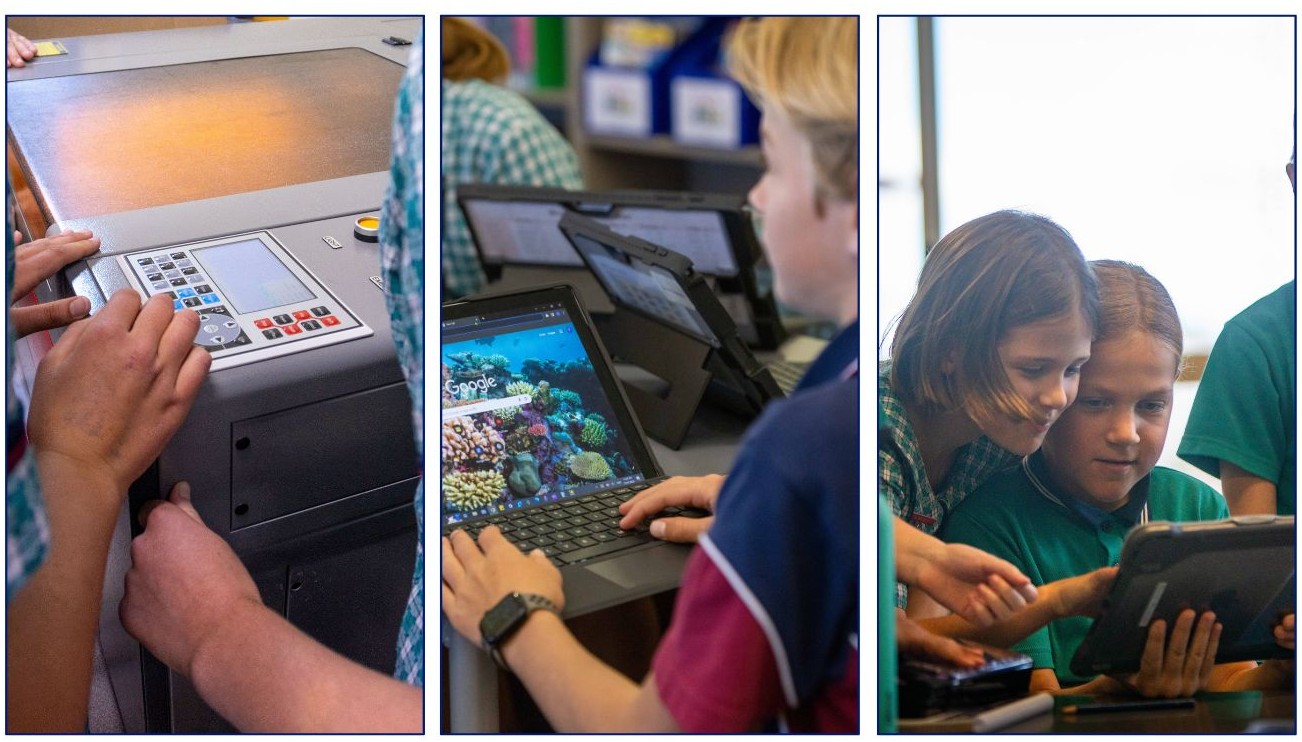
Students use a range of technology throughout their journey at Emmanuel. We aim to build their skills in a range of platforms and to be able to use technology effectively and critically. Devices which are used for learning vary throughout the different years of school.
- Kindergarten to Year 4: These students have access to shared iPads which they use to access tools like Reading Eggs and Math Seeds.
- Year 5 and Year 6: All students are assigned their own school iPad which stays in their classroom. They learn how to use various tools on the iPad and integrate this with Google Suite including Google Docs and Google Classroom.
- Year 7 to 12: All students receive a Surface Pro 9 device which they take to their classes and also take home for use at home. Students access learning resources through a wide variety of subscriptions including access textbooks through Five Senses, videos through Clickview and subject specific resources like Education Perfect, Mathletics, and Atomi. Classwork is regularly posted to Google Classroom by the class teacher.
Artificial Intelligence
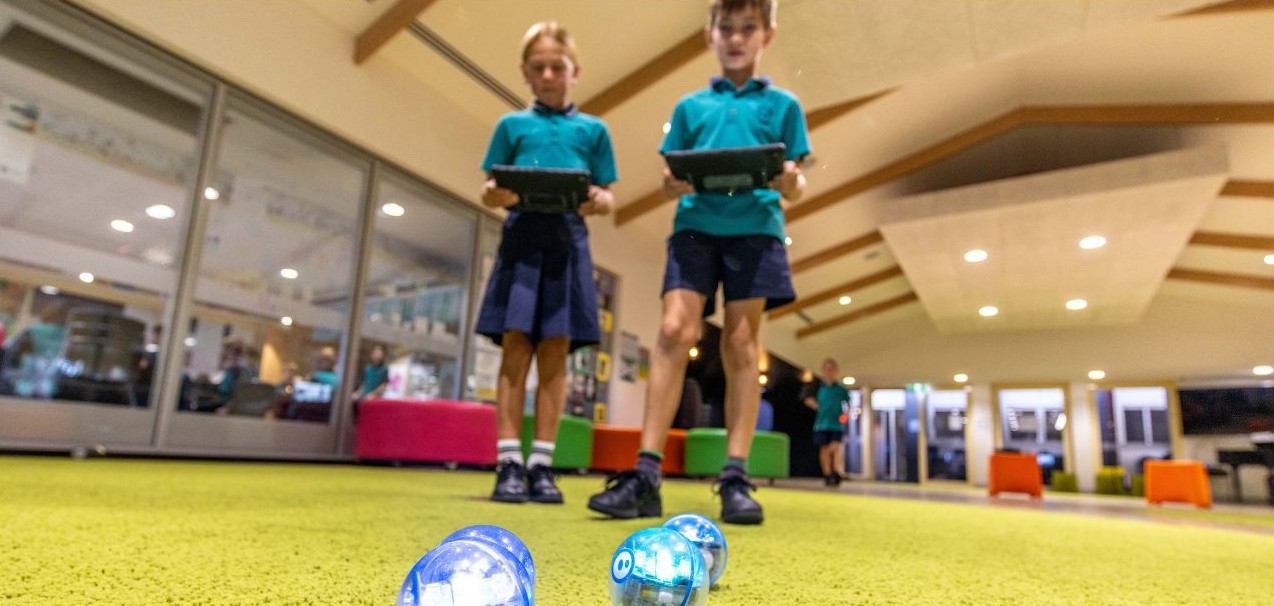
One of the ongoing challenges facing us all is the role of AI, both in education specifically and in society more generally. At Emmanuel, we view AI not merely as a hurdle to be cleared, but as a transformative tool that requires a balanced, values-driven approach. Over the past year, the College has been proactively developing a robust response to these challenges to ensure our students are future-ready while remaining grounded in our core values. The College has developed a comprehensive Artificial Intelligence Policy to guide our community. A central component of this is our new AI Framework, which has been intentionally mapped to the attributes of our Holistic Learning, Living, and Leading Framework. This framework ensures that our engagement with AI aligns with our commitment to Courage, Compassion, Citizenship, and Creativity. We are not just teaching students how to use these tools, we are teaching them the discernment to know when and why to use them in a thoughtful, critical, and responsible manner. We encourage all families to review this framework below to understand our shared goals. 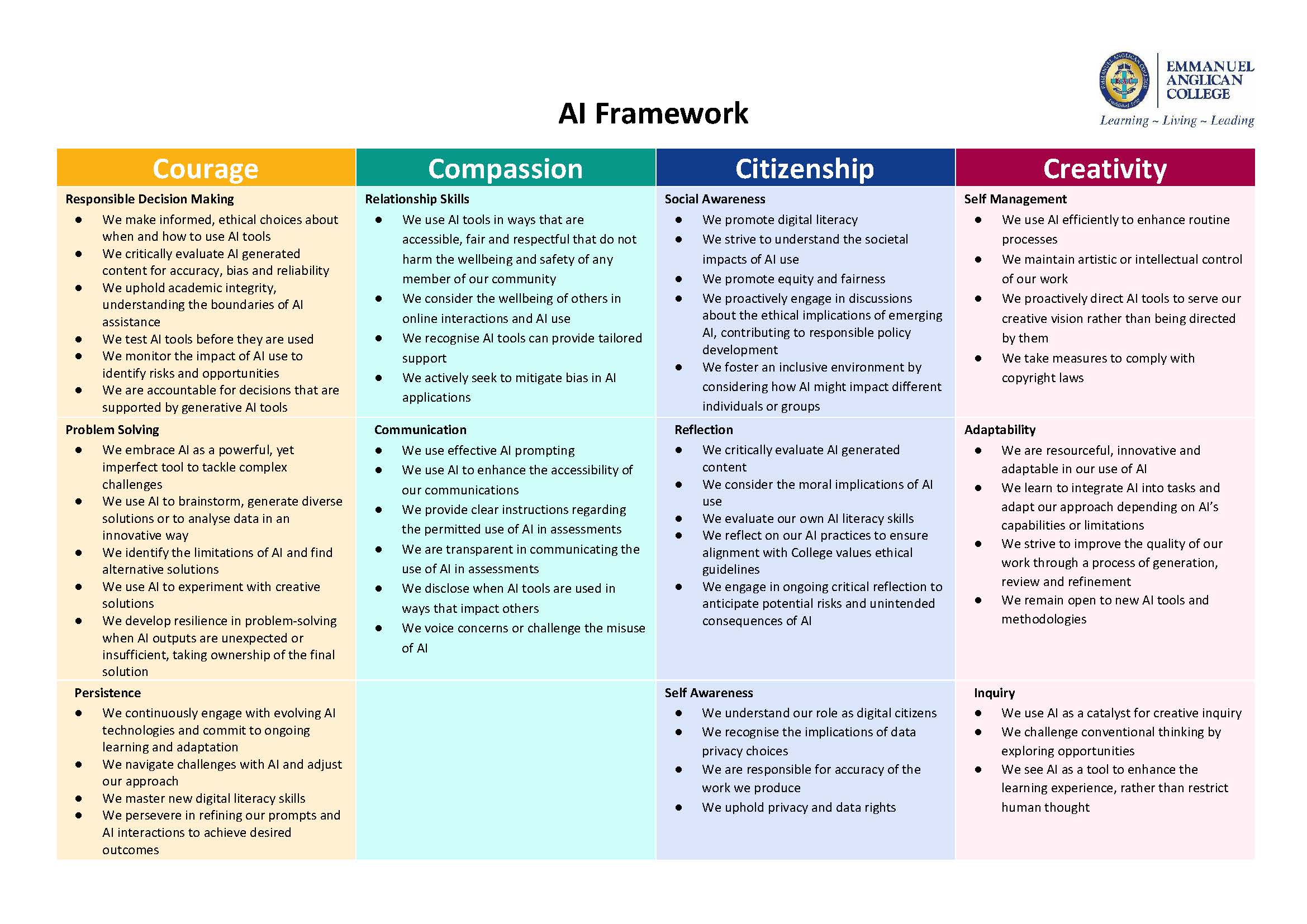 Our approach this year focuses on three primary pillars:
- Protecting privacy and data: To ensure enterprise-grade data protection, Google Gemini is the sole authorised general purpose Generative AI tool for staff and students. This ensures that inputs are not used to train external models and that confidential College data remains secure.
- Empowering staff: We are committed to ongoing professional learning for staff. Our educators are exploring how to integrate AI to enhance lesson planning and provide diverse resources for various learning needs, all while maintaining rigorous human oversight.
- Supporting responsible student use: Student use of AI will be supported through clear guidelines. For example, while older primary students will only use AI under direct teacher instruction, older students will learn to use it for brainstorming and skill practice. Crucially, we remain dedicated to academic integrity and any unapproved use of AI in assessments is considered a breach of these standards.
As we navigate this evolving landscape, our priority remains the wellbeing and holistic development of our students. We strive to use AI as a catalyst for inquiry and a tool to enhance the learning experience, rather than something that restricts human thought.
Online Safety
 At Emmanuel, we are committed to ensuring our students are as safe and supported in the digital world as they are in our classrooms. We regularly host Kirra Pendergast from CTRL SHIFT (formerly Safe on Social), who provides invaluable insights during dedicated sessions for our staff and parents. Our students in Years 5 to 10 have also engaged in powerful sessions led by Madeleine West, focusing on navigating their online lives with integrity. These sessions explored how social media is psychologically designed to attract our attention and it is our attention and data which they are profiting from. We cannot expect our children to simply resist the attraction or temptation of these tools, we need to support them to make the right choices about technology. They also emphasised that the social media age delay is not a ban on our children accessing social media, it is a ban on technology companies accessing our children. Whilst this will take time for this to be fully implemented, this legislation is a great opportunity to have a conversation with your child about the social media they still have access to.
What is the College doing to support students?
The College will continue to develop our students’ skills and knowledge to use technology responsibly. Some strategies that we are using are:
- Educating students. We are committed to teaching students how to make responsible choices within specific classes like Digital Literacy as well as Wellbeing lessons, in addition to providing information through activities like the CTRL SHIFT incursion. We are also introducing using CTRL SHIFT’s Digital Ethics and Accountability Program when online behavioural issues arise to help parents and students to learn from these situations and prevent them recurring.
- No mobile devices policy. Students are not allowed to access mobile phones, connected smartwatches or other mobile devices from the moment they arrive on the school grounds until the final bell.
- Limiting device use. Devices are not used in every lesson but only when relevant. Our Device Free Friday trial is exploring Year 7 to 10 students not bringing devices to school every Friday. Additionally, students are not allowed to be on devices during breaks to encourage face to face interactions.
- Blocking of inappropriate material through school firewalls. When connected to the school network, a wide range of online sites are blocked for students, including gaming sites and social media. We also have developed tools to prevent students from connecting to mobile hotspots when on school grounds.
- Monitoring of student use on site. Student device use at school is monitored using extensive firewalls, alert systems for high risk searches, and teacher monitoring in the classroom through tools like Classroom Cloud. Inappropriate use of technology and wellbeing concerns can be identified through these tools and behavioural consequences and / or wellbeing supports are provided as required.
What can parents do to support students?
We have provided a wide range of resources from CTRL SHIFT to our parents and families, to support them in navigating the online world. Some recommendations for parents based on the information CTRL SHIFT shared are the following:
- Know what your children are doing online. Play the games with them, watch videos with them, be aware of what social media tools they are using and for what. Being aware of their online actions is the first step in supporting them to do this safely.
- Don’t feel pressured to get them a phone too early. We don’t recommend that students in Year 7 (or even 8 or 9) get a smartphone. Despite what they may say it’s definitely not true that ‘everyone has one!’ Consider other options such as a ‘dumbphone’ which can allow your child to call you without having all the other distractions available.
- Put clear boundaries in place, be they physical or digital. It is not recommended that students have access to the internet in their bedrooms at night so ensure phones and computers are put away in the evenings. The online world never sleeps but your child needs to! You can also limit access through limitations on your home wifi router and mobile data.
- Be aware of the limitations of school safety measures. Many of the safety measures that the College puts into place like firewalls do not cover student device use at home. Think about how you can help close the ‘safety gap’ for your children..
- Ensure your child is comfortable talking to you about their online life. Make sure they feel safe and supported so that if they encounter something online which upsets them or makes them feel uncomfortable they will share this with you.
- Be thoughtful about your own use of social media. Many young people have a huge digital footprint before they are even able to use social media themselves due to their parents. Consider how you model the use of technology and social media for your child.
The online world and technology is constantly changing and we all need to work together to help our young people navigate this safely and responsibly.